

Foxwell i53BT BMW and MINI Diagnostic Tool
Original price was: $339.99.$320.77Current price is: $320.77.
Did you like this product? Add to favorites now and follow the product.

(+800) 1234 5678 90 Start Live Chat
Description
The Foxwell i53BT Scan Tool is the next step toward understanding why that BMW Service Engine Soon (check engine light) came on – but in a sleek, modern context that surpasses older Foxwell models (such as the NT510 or NT530). This diagnostic tool does almost everything that you could think of in scanners, outside of some control module coding and programming that would require a much more expensive scanner or software found mostly at dealerships. The features on this product stand out more than previous models and make it a very impressive tool at an even better price.
New Features:
- BMW and MINI Software Compatibility: Equipped with specialized software for BMW and MINI vehicles.
- High-Speed Android Operating System: Utilizes a fast Android operating system and interface, enhancing accuracy and speed in troubleshooting.
- 5.5” LCD Touchscreen: Features a responsive 5.5” LCD touchscreen that can be operated with gloves on.
- Bluetooth Wireless VCI Vehicle Interface: Offers a cordless OBD2 experience through a Bluetooth wireless Vehicle Communication Interface (VCI) plug.
- Supports DoIP and CAN FD Protocols: Compatible with Diagnostics over Internet Protocol (DoIP) and Controller Area Network Flexible Data-rate (CAN FD) protocol.
- One Touch Update via WIFI: Enables quick and seamless updates through a one-touch process via WIFI.
- One Touch Complaint Feature: Facilitates faster and more accurate issue resolution with its One Touch Complaint functionality.
- Remote Control Support: Provides access to remote control support via TeamViewer directly from the scanner home screen.
- Data Logging Service: Allows collection of communication data between the scanner and the tested vehicle, streamlining diagnostic troubleshooting.
- Wireless Diagnostic Report Printing: Supports wireless printing of diagnostic reports via WIFI for convenient documentation.
- Lifetime Free Updates: Offers free lifetime updates without the need for a subscription, ensuring continuous software enhancement.
- Expandable Vehicle Support: Easily adds support for additional vehicles with a nominal fee, increasing its versatility.
Additional Features:
- Clear engine and transmission fault codes and check engine lights
- Read soft codes (codes exist with no check engine light) to assist with preventing issues from arising
- Clear body and general module fault codes
- Clear ABS system fault codes
- Oil change, service due, and CBS reset
- Registers your battery
- Reset airbag light
- Reset TPMS light
- Data logging for future analysis
- Supports coding KOMBI, AMP, DME, plus many more.
- Supports VANOS realignment for intake/exhaust and displays tolerances during testing.
- 32GB SSD Storage Space
- 1GB RAM
Note:
- This scan tool covers over 25 years of models, so some years and or models, on some functions may not function but will be reviewed in future updates.
- Certain functions may be limited from the vehicle manufacturer due to the requirement of a special factory access code.
- Pre OBDII vehicles will have limited feature availability
- We recommend purchasing a Bentley Manual to use with your Scan Tool.
- Can only be updated on Microsoft PC’s not with Apple.
- You will need to register your scan tool in order to receive update notice’s from Foxwell via E-mail
- Vehicles with 20 pin under hood connector will require ES2992111 for use
Installation of the scanner tool plug into OBD2 port:
Please make sure pins are all straight on the end of the plug and the OBD2 port on the vehicle’s side are not damaged or bent. This ensures good contact and power functionality of the scan tool.
Support:
In order to check specific vehicle coverage and functionality, visit https://www.foxwelltech.us/support-fun-list.html – Enter you device (this device can be found under i53BT on Foxwell’s site), your vehicle, and what code you are querying
For software and hardware support from Foxwell the address is http://www.foxwelltech.com/support/ – Make sure you use the correct address
For further support, contact support@foxwell.com
For after sales issues please contact Nina at service@foxwelltech.com. Please allow 48 hours for response.
Related products
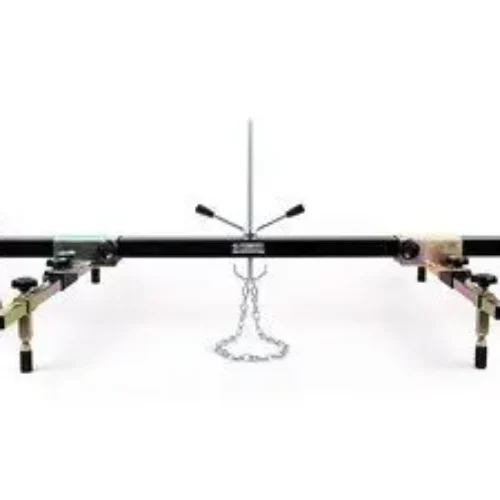
Schwaben Deluxe Transverse Engine Support Bar
Original price was: $484.99.$474.99Current price is: $474.99.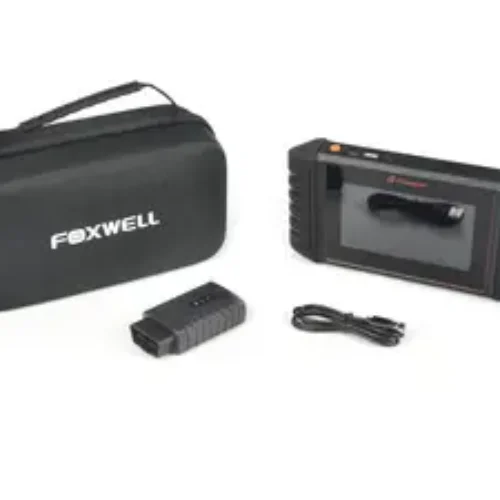

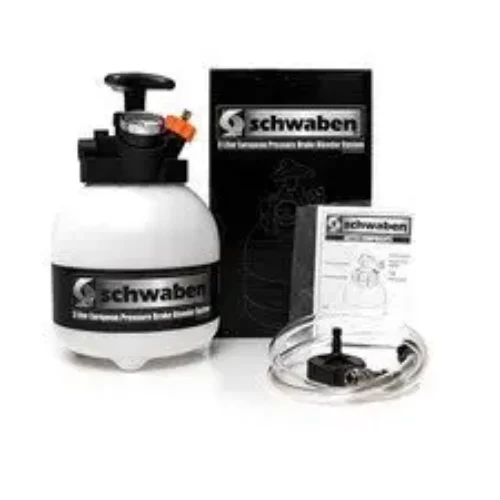
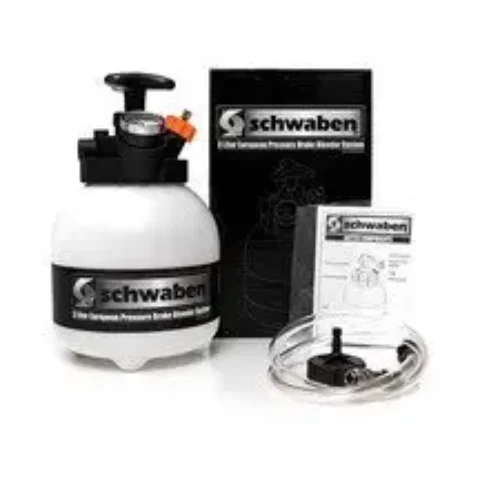
Schwaben 3-Liter European Pressure Brake Bleeder
Original price was: $70.99.$60.34Current price is: $60.34.
Copyright 2025 © E-Chassis Garage

Reviews
There are no reviews yet.